How to Synchronize Multiple Displays in a Professional Video Wall System
Video wall display synchronization is, in many settings, an absolute non-negotiable. Without it, a display is subject to tearing, mismatched frames, and other visual glitches that can impede your team from doing their jobs to the best of their ability.
In this post, we’ll explain how to synchronize multiple displays, why this is so important, and why you need a robust video wall controller, especially if working with mission-critical video.
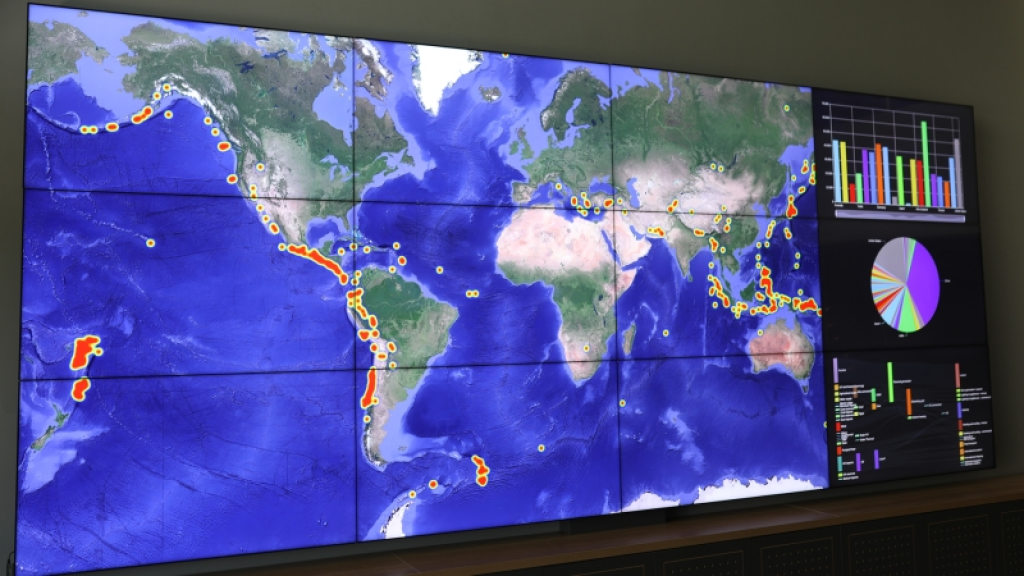
(Source: https://commons.wikimedia.org/wiki/File:Lygos_Video_Wall_Photo.jpg)
What Does Display Synchronization Mean in a Video Wall System?
Display synchronization is simply a video wall’s ability to keep its many screens in time with one another. This means they will show the same video frames at the exact same time, making for a cohesive and seamless display that stuns employees, clients, stakeholders, and more.
Synchronization is important because the glitches that emerge without it may be problematic for your company’s reputation as a forward-thinking innovator. In some settings, such as a security room, for example, a synchronized video wall is required to respond to potential threats.
What Happens When Displays Are Not Properly Synchronized?
Without proper video wall synchronization, it’s easy for your displays to fall out of sync with each other. The best-case scenario here would be a screen either slightly ahead of or behind the rest, leading to a frame mismatch.
However, that’s only one part of the problem. Other risks include:
● Tearing, where parts of multiple frames appear at once
● Jerky motion when parts of a video move across display boundaries
● Noticeable flickering due to refresh rate differences
● Lip-sync issues when people are speaking
Beyond this, out-of-sync displays will be immediately noticeable to people watching. This could include people you’re trying to impress, such as potential future customers. Plus, teams trying to keep up with unsynchronized displays won’t make the best decisions - deciphering the resulting glitches could even add to their cognitive load.
How Video Wall Controllers Keep Multiple Displays Synchronized
A video wall controller ensures multi-display synchronization by managing timing throughout the signal chain. Here’s how this works:
- The controller receives video content from the relevant source(s)
- It scales and splits the source into sections for each screen
- It then creates a common timing reference, often via genlock/frame lock
- The displays each receive their part of the synchronized image
- The video should be able to play as expected without visual glitches
To make this even smoother, ensure every device is using the same resolution, frame rate, and refresh rate. Professional AV tools can convert your feeds’ frame rates so everything syncs up, though this can lead to motion artifacts.
Synchronization Challenges in Large and High-Resolution Video Walls
Large video walls usually have more screens, meaning more potential points of failure; possibly dozens or even hundreds. In addition, high-resolution, such as 4K60 or even 8K, walls will need higher bandwidth. Any lag or processing delay could seriously affect display synchronization.
As mentioned above, managing your sources in advance is also important as different frame or refresh rates add further hurdles. Frame rate conversion via the video wall controller is again an option, but it’s still not foolproof.
Large video walls might also necessitate long cable runs or network-based distribution. Physical transmission time is relatively predictable, but every stage of processing can introduce latency.
High-end video wall systems circumvent these risks and challenges via their controller, which is responsible for establishing a common “clock” for every component.
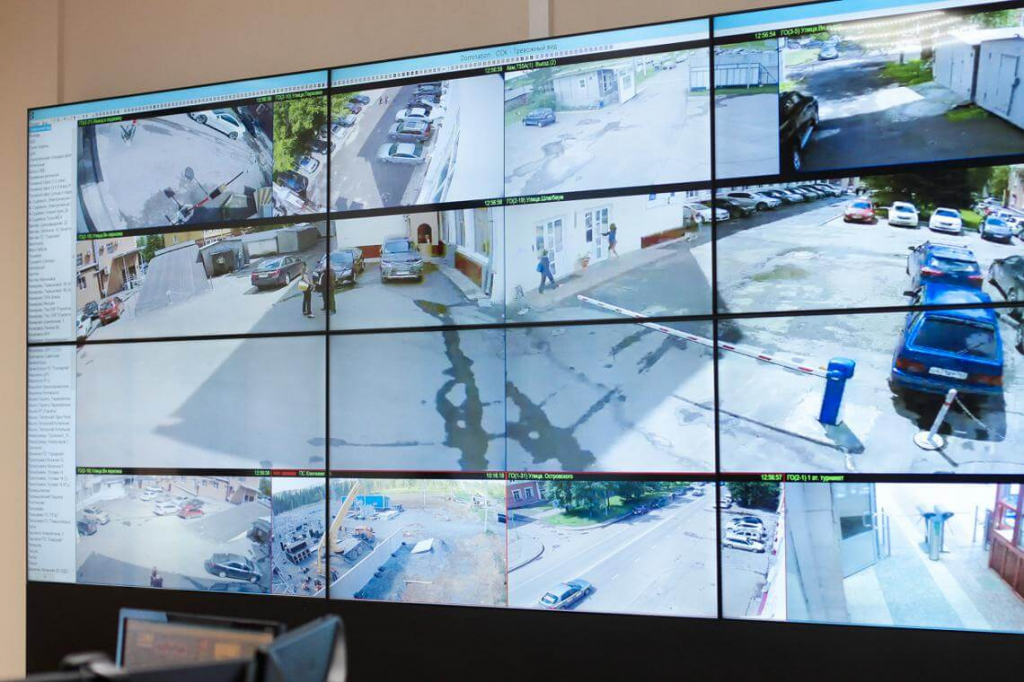
(Source: https://commons.wikimedia.org/wiki/File:Видеостена_CleverMic_в_действующем_мониторинговом_центре.jpg)
Synchronization in Real-Time and Mission-Critical Applications
In some settings, synchronized displays are absolutely essential for successful operations. It is certainly nice to have for digital signage and general corporate video wall displays, but the worst that can happen when these fail is slight embarrassment. Mission-critical applications, however, simply cannot afford a delay in synchronization.
For example, a control room monitoring multiple camera feeds must have a live view of them all to make the best decisions. One screen being behind the others slows a team’s response time - depending on how long there’s been an issue, the delay could be more than just a few seconds.
Plus, it adds some ambiguity; how can anybody be sure that the other screens are real-time? In these settings, synchronization is the bedrock of your tech’s reliability. This is why you’ll always need a high-quality video wall controller with a shared timing reference, such as genlock.
Designing a Video Wall for Consistent and Synchronized Display Performance
The best way to ensure a robust video wall sync setup is to design it as one single system, with all the components calibrated to this end. This again means ensuring everything has roughly the same frame rate and refresh rate before the actual video wall controller synchronization. To help with this, make sure the wall’s screens are all the same model.
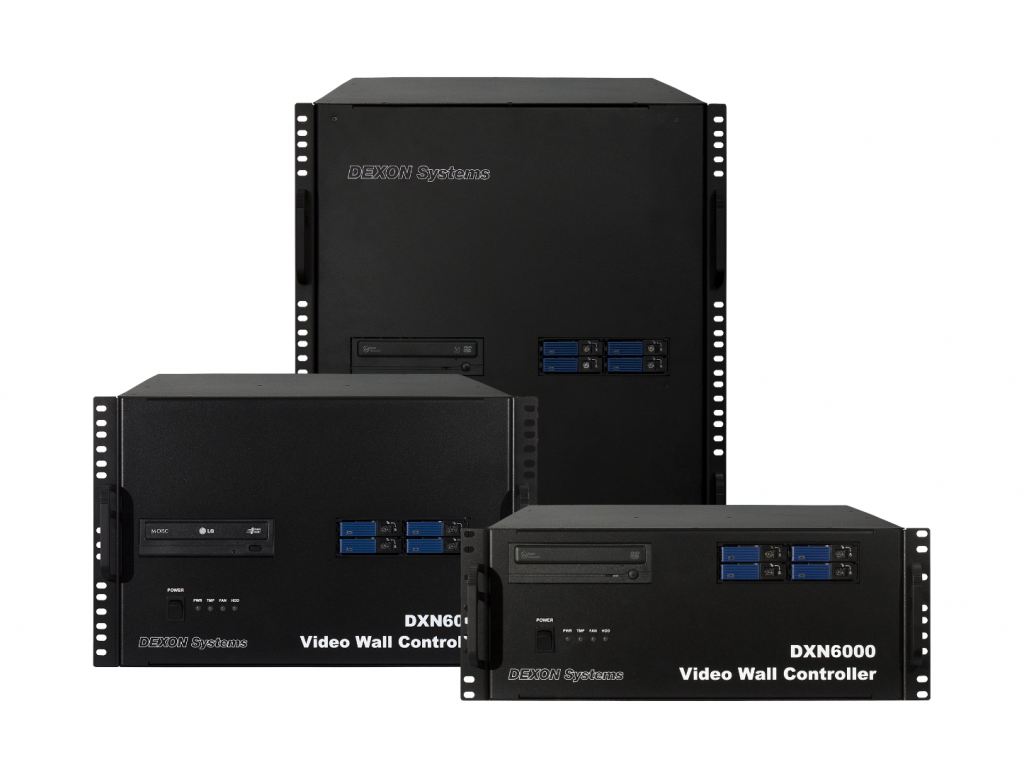
Your video wall controller is perhaps its most essential component, as this is what will keep your screens in time with one another. Choose a modern model from an AV provider you trust, ideally one able to handle real-time 4K60 signals. You should also keep an eye on your bandwidth and overall infrastructure requirements; otherwise, you could be inviting latency.



Final Thoughts
Video wall display synchronization helps any video wall system - but it’s especially fundamental while handling live video or mission-critical tasks. At DEXON Systems, our video wall controllers and processors will keep your feeds synchronized with zero latency. Contact us today to find the AV setup that fits your needs.