Why 4:4:4 Chroma Subsampling Matters for Your Display
Every image you see is a balance of color, contrast, and dozens of other video settings, and you need a display that can carefully walk this line. 4:4:4 chroma subsampling is one way a display can make sure it offers text and graphics that are as close to uncompressed as possible.
In this post, we’ll show you why 4:4:4 is the best subsampling type, the sectors that already rely on it today, and more.
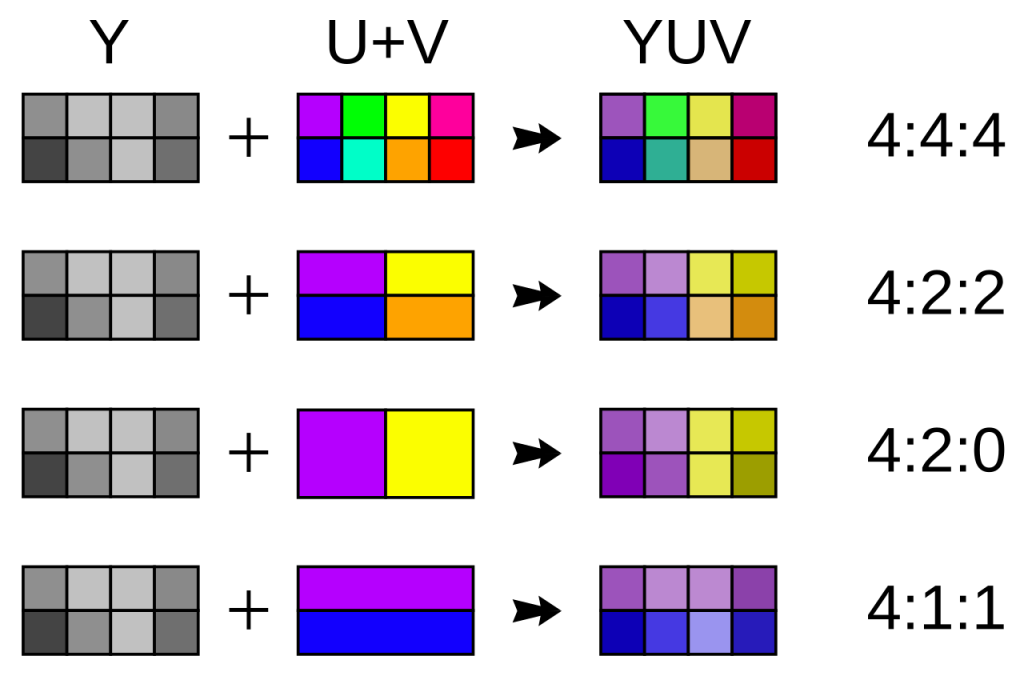
(Source: https://commons.wikimedia.org/wiki/File:Common_chroma_subsampling_ratios.svg)

What is Chroma Subsampling?
Chroma subsampling is a form of compression that prioritizes luminance (brightness) over color data, reducing an image’s bandwidth requirements without significantly lowering its quality.
That said, compression of any kind still changes the image, however slightly. Luckily, there are a number of chroma subsampling types, and the one you choose could be what lets people make out an image’s text at a distance.
The three main types of chroma subsampling are as follows:
● 4:4:4 essentially has zero loss, allowing for sharp text and no color bleeding.
● 4:2:2 has slight color softening as pixel pairs share color horizontally.
● 4:2:0 has noticeable color blur, especially in text, but is still mostly readable.
Numbers-wise, 4:4:4 means every pixel uses its own color and brightness detail. In contrast, the others still have full brightness detail, but less color. 4:2:2 halves the color horizontally, and 4:2:0 does so horizontally and vertically.
Why 4:4:4 is Critical for Text and GUIs
Many view chroma subsampling as a necessary evil of sorts, but 4:4:4 offers all the benefits and virtually no change to the original image. This makes it vital for displaying fine detail (like text) as well as making sure every user interface stands out.
In text, modern operating systems use subpixel rendering and anti-aliasing to guarantee smooth lettering. 4:4:4 makes sure that each letter’s edges look sharp and that any colors surrounding it are accurate, making the text more readable at a distance.
If you use 4:2:2 or 4:2:0, color bleeding can make text harder to read. A red pixel next to a white one might erase a letter’s edge, for example. Text suffers more than video in these formats, with the latter’s motion usually covering most defects.
As for system GUIs, they generally rely on thin lines, sharp-edged icons, and small, colored text. Any of these could be disrupted by pixels “borrowing” colors from their neighbors. You might, for example, click on the wrong icon because you can’t tell where one ends and the other begins.
Plus, modern UIs depend on color contrasts. Even if lower-tier subsampling doesn’t disrupt your GUI’s functionality, it can still make its visual elements less impressive. If you also scale your UI beyond the OS’s recommendation (i.e., 150%), you might notice the defects right away.
Bandwidth: The Hidden Trade-Off
4:4:4 isn’t a perfect solution in every situation. If so, then the other two methods would never be used. While 4:4:4 offers a better overall image, it also means your network has to process more data, which might exceed your connection's (or your network’s) limits.
We mainly use subsampling because it lowers bandwidth by up to 50%. With 4:2:2, it’s closer to a 33% saving, but this is still a significant margin. This trade-off works well for videos, where any bandwidth problem can cause them to stutter or become unplayable. For this reason, TV shows and movies usually stick to 4:2:0 for filming, and even Blu-rays use 4:2:0.
4:4:4 has high hardware demands and might even require HDMI 2.1 or 2.2. This is because you need at least 40 Gbps for 4K 120Hz video. 4K at 60Hz is right on the cusp of HDMI 2.0 at 17-18 Gbps. Even 4K at 60Hz can be too much for HDMI 2.0 if high dynamic range is enabled. On top of these requirements, you’ll need a modern GPU and a high-bandwidth cable.
(Source: https://images.pexels.com/photos/7915437/pexels-photo-7915437.jpeg)
Real-World Applications: When Do You Actually Need It?
Truthfully, many sectors get by just fine with 4:2:2 (or lower) subsampling. However, there are a number of settings and industries where 4:4:4 simply isn’t negotiable. Here are three:
Video Games
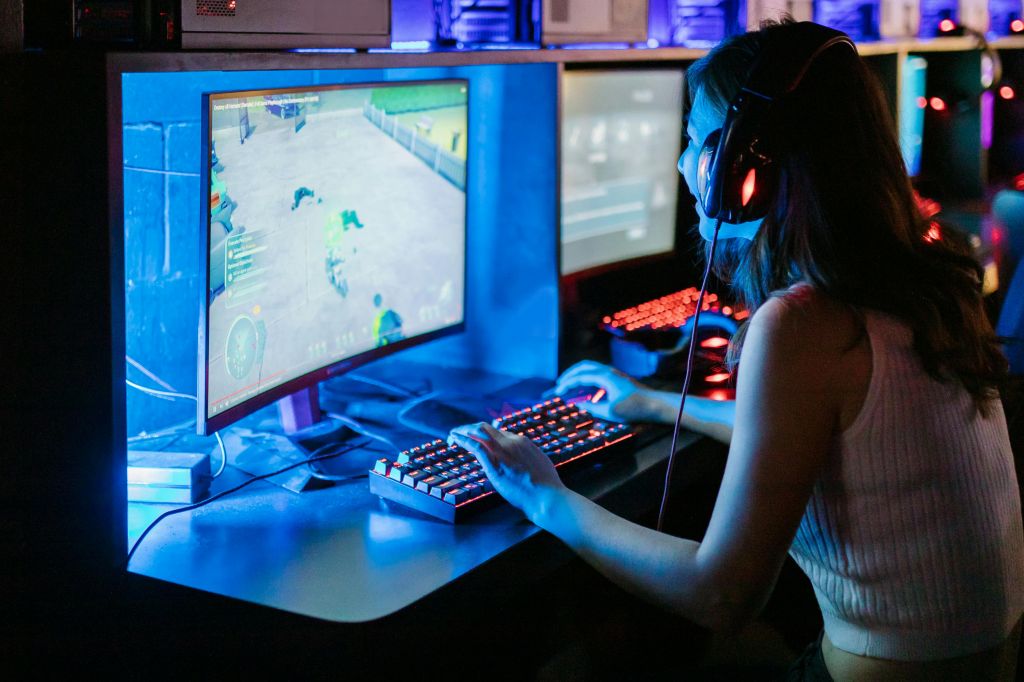
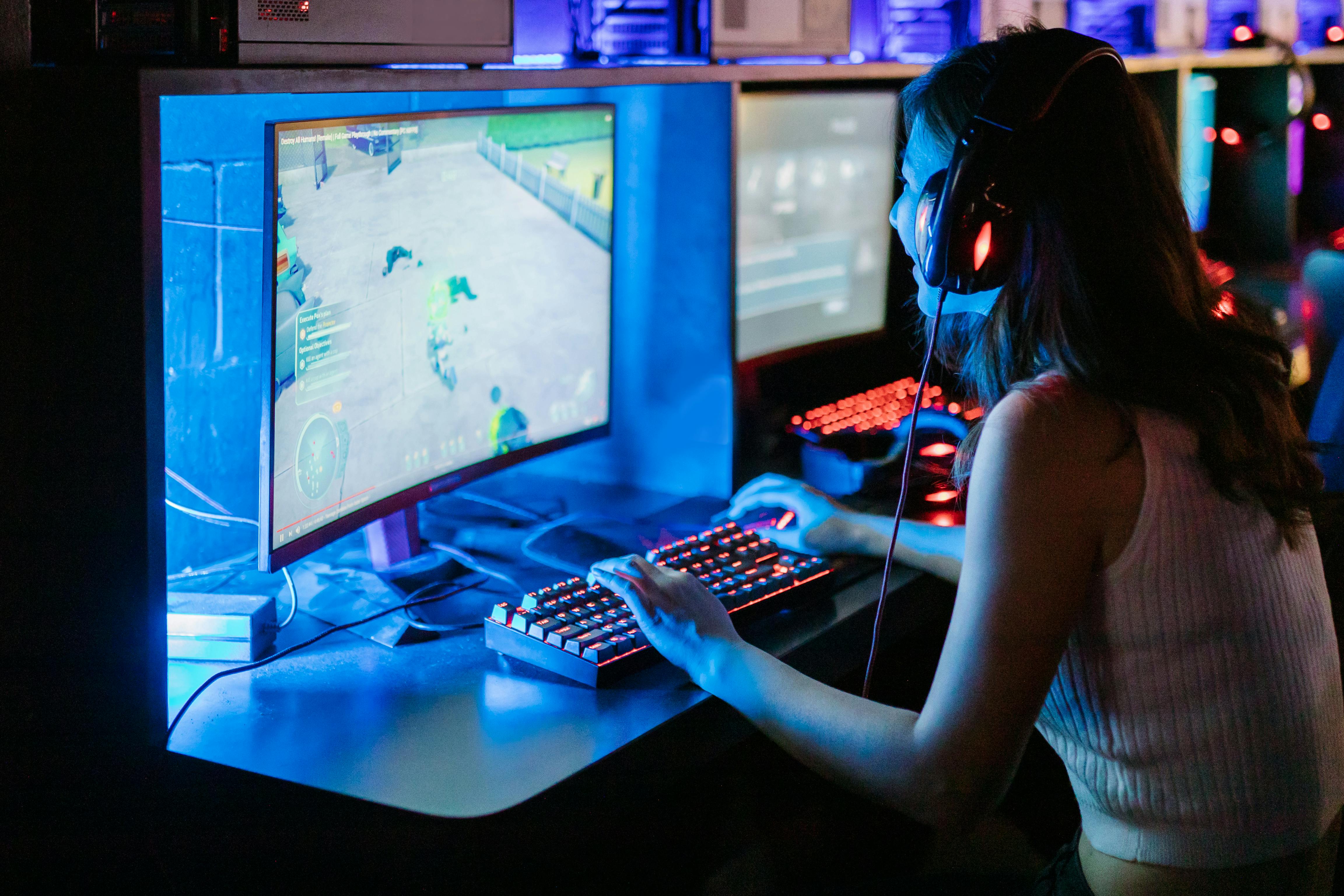
Modern games, but particularly multiplayer ones, feature many UI elements that need to remain clear at a glance. Some colored UI details (such as outlines on enemy players) may even affect gameplay directly. The slightest issue here can affect reaction time, which is often the difference between winning and losing, especially in a competitive match.
Medical Imaging
Medical scans (including CTs, X-rays, and MRIs) rely on fine detail and contrast. Adjusting these images to save bandwidth could change them enough for a professional to misinterpret them. In some cases, this could lead to misdiagnoses. What would usually be a tiny but noteworthy “blip” might simply not show up on a 4:2:0 scan.
Control Rooms
Control rooms of any kind usually have a dense data dashboard, possibly with small text. And if your screens use multi-window layouts, it’s especially vital to ensure the text on every window is readable. Otherwise, your team might experience increased eye strain over time or misread the screen’s data, leading to operational errors.
.png) |
 |
| DVP500 Video Processor | DMX302x Matrix Switcher |
Optimizing Your Visual Workflow
4:4:4 chroma subsampling produces high-quality images with easily readable text and GUIs, but it isn’t perfect for every situation. If you feel it would benefit your workflows, though, you have to source your displays and audiovisual technology from a reputable provider.
Contact DEXON Systems today to start setting up smarter AV systems that can handle 4:4:4 and other high-fidelity settings.